
draw, talk, and think it through with your sketch buddy
an infinite whiteboard for ipad and iphone. you sketch and talk; it listens, explains, and draws back: notes, diagrams, pictures, even moving ones.
free during early access · ipad and iphone
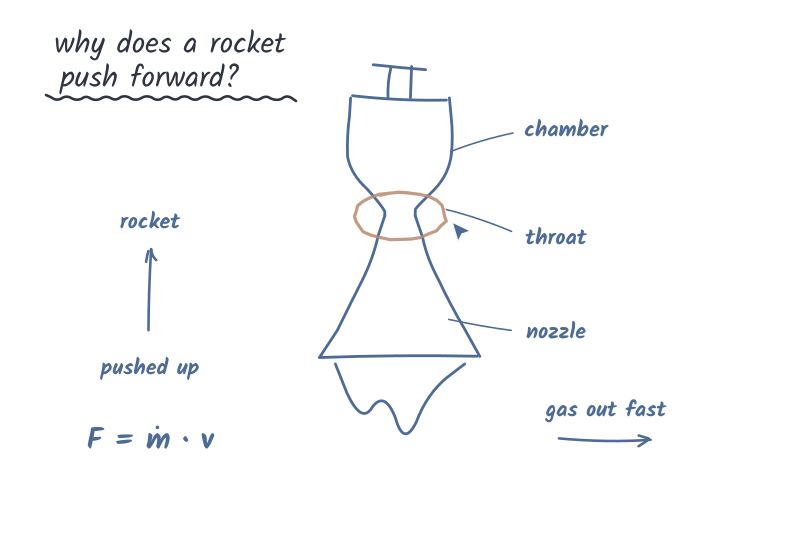
real sessions, replayed with the waits cut short. in the app, pictures take a few seconds to fill in.
how it works
no menus to learn. it's a page, a pencil, and someone to think with.
draw
with apple pencil, or a finger if you don't have one. the page never ends.
just talk
tap the mic and ask, out loud. it waits until you've finished, and you can cut in any time.
it draws back
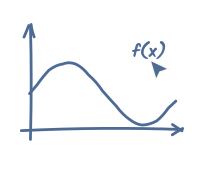
a short answer out loud, and the detail on the board: written, sketched and pointed at.
it writes, and draws diagrams
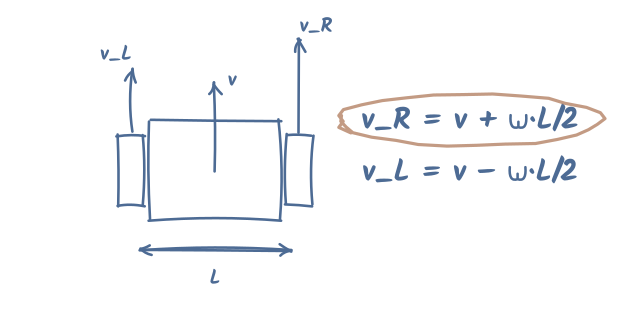
ask how something works and the answer appears in handwriting, word by word, with arrows, boxes, axes and graphs drawn at pen speed.
maths reads like maths: fractions, powers, greek letters.
it sketches pictures, even moving ones
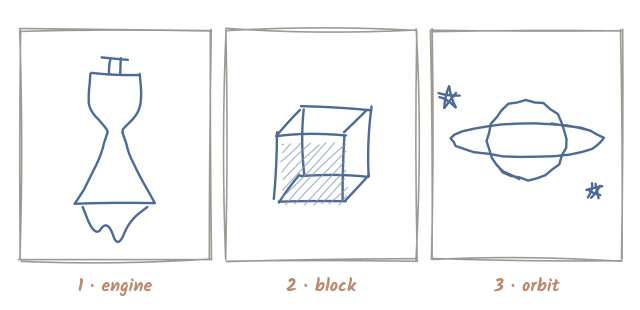
when words and arrows aren't enough, it draws a proper pencil sketch: shaded, labelled, up to four panels side by side. pistons can pump and gears can turn.
a picture takes a few seconds to fill in while it talks.
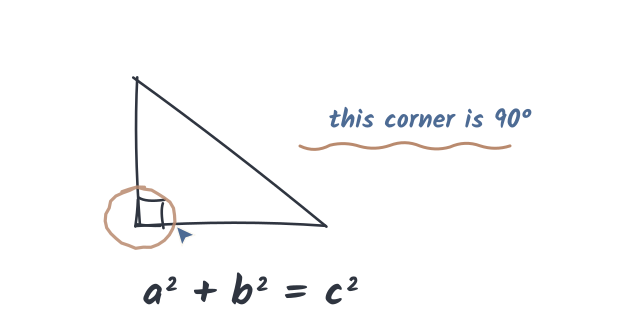
it points at what it means
"this one here" actually means something. its pointer flies to the part it's talking about, and it circles, underlines or boxes things, then lets them fade.
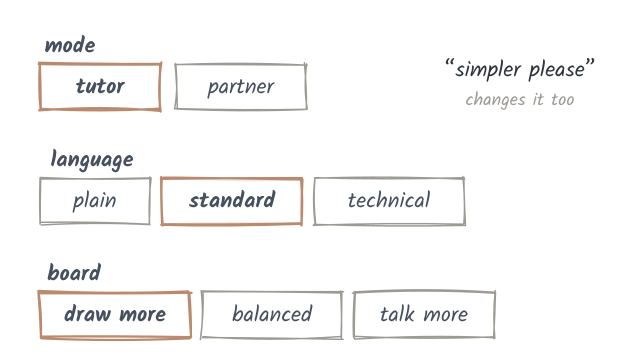
your teacher, or your partner
- tutor asks what you think first, gives a hint, and hands the work back.
- partner works on it with you: options, trade-offs, its own ideas.
- plain, standard or technical language; more drawing or more talking.
set it for each board, or just say "simpler please".
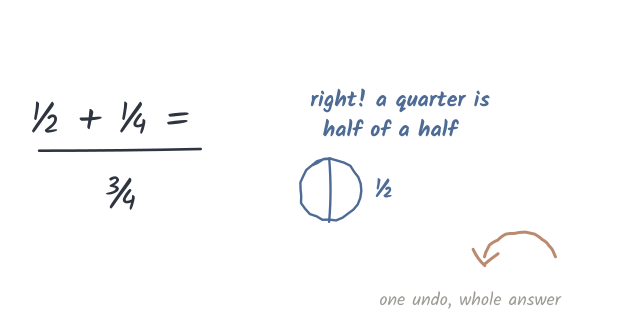
your ink stays yours
it writes beside your work, never over it, and only ever moves or erases what it drew itself. changed your mind? one undo takes back its whole answer.

from rocket engines to 3 + 2
anything you'd think through on paper.
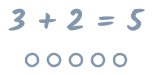
homework and maths
fractions, algebra, calculus: shown step by step, then your turn.

how things work
engines, circuits, mechanisms, drawn and labelled.
code and systems
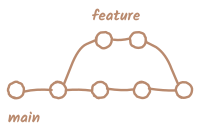
git branches, data flows and architecture, sketched out.

science
molecules, cells and forces, with the picture next to the idea.

languages
words, grammar and the odd doodle to make them stick.

ideas and plans
brainstorms, decisions and what-ifs, with a partner who draws.
private by default
your voice is turned into text on your ipad or iphone; the recording never leaves it. what you said and a picture of the board go to the ai that answers, and your boards sync to your account so they're there on any ipad or iphone you sign in on. no ads, nothing sold.
plans
free during early access. at the app store launch:
free
$0
- 20 turns a day, on smart
- 3 pictures a week
plus
$14.99 / month
or $149.99 a year, about two months free
- 1,000 smart turns a month
- 250 smarter turns a month
- 30 pictures a month
pro
$29.99 / month
or $299.99 a year
- 2,000 smart turns a month
- 300 smarter turns a month
- 100 smartest turns a month
- 60 pictures a month
a turn is one time you talk and it answers. smart, smarter and smartest are the "how smart" levels in settings; the higher ones go deeper on harder questions. when your smarter or smartest turns run out, it carries on at the level below instead of stopping. only answers count: a turn that fails costs nothing, and a picture counts once it's drawn. paid through the app store, and you can cancel any time in your apple id settings. prices are in us dollars; the app store sets local prices in each country.
questions
which devices does it run on?
ipads with ipados 27 and iphones with ios 27. on ipad it's built for apple pencil, and works with a finger too. on iphone you draw with a finger, upright.
do i need an apple pencil?
no. on ipad, turn on "draw with your finger" and one finger draws; the pencil is nicer for handwriting. on iphone your finger always draws.
what does it cost?
nothing during early access. at the app store launch there's a free plan, plus and pro: see plans.
when can i get it?
it's in early testing now. join the waitlist and you'll get an invite as places open up.
is there an android or web version?
not yet. ipad and iphone first.
what happens to my boards?
they're saved to your account and come back on any ipad or iphone you sign in on. you can delete a board, or delete your account and everything in it, in the app or by email. see privacy.
is the answer always right?
no. it's an ai, and it can be wrong. it's a great thinking partner; check anything that matters.

want in?
join the waitlist and we'll send an invite when there's room. no spam, just the invite.
questions, ideas, or want to try it sooner? [email protected]